
The Largest Online Community for Contact Centre Professionals


The Largest Online Community for Contact Centre Professionals
 Close
Close



Published On: 5th Aug 2026 10:18
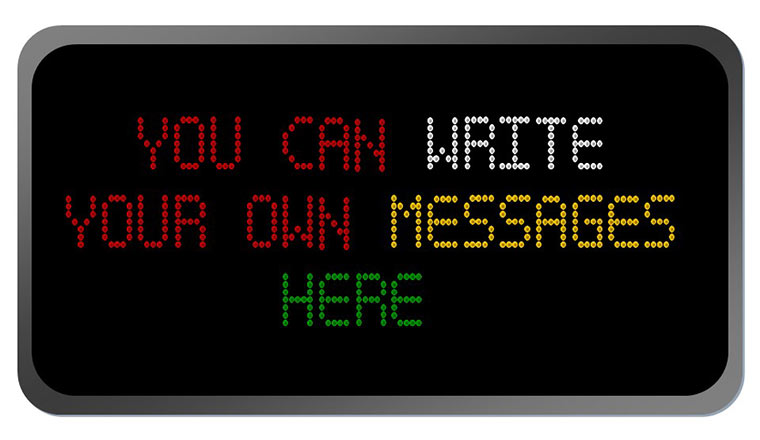
Here is a nifty little application that has been designed for us by our sister publication Presentation Magazine. It allows you to make wallboard or Telecaster-type messages for your PowerPoint slides.
They can be quite handy for use in team meetings. Each character is an image and you can copy and paste them onto the wallboard like fridge magnets. We have included a range of colours – red, white, green and yellow – and have set them to snap to grid in PowerPoint to help them line up properly.
Here are some examples of the items contained within the PowerPoint file.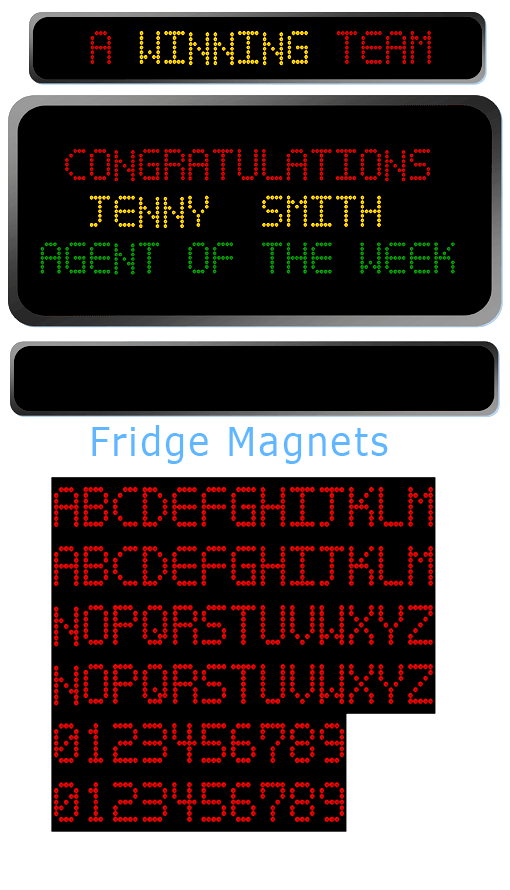
Click to Download the PowerPoint file
[If you are looking for help on how to deliver a presentation there are lots of tips on Presentation Magazine]

The Latest Customer Contact Research, Reports and White Papers straight to your inbox!
Get the latest insights from Call Centre Helper by signing up for our email content.
Close